The ak44 app puts cricket markets, crash rounds and bKash top-ups on one screen
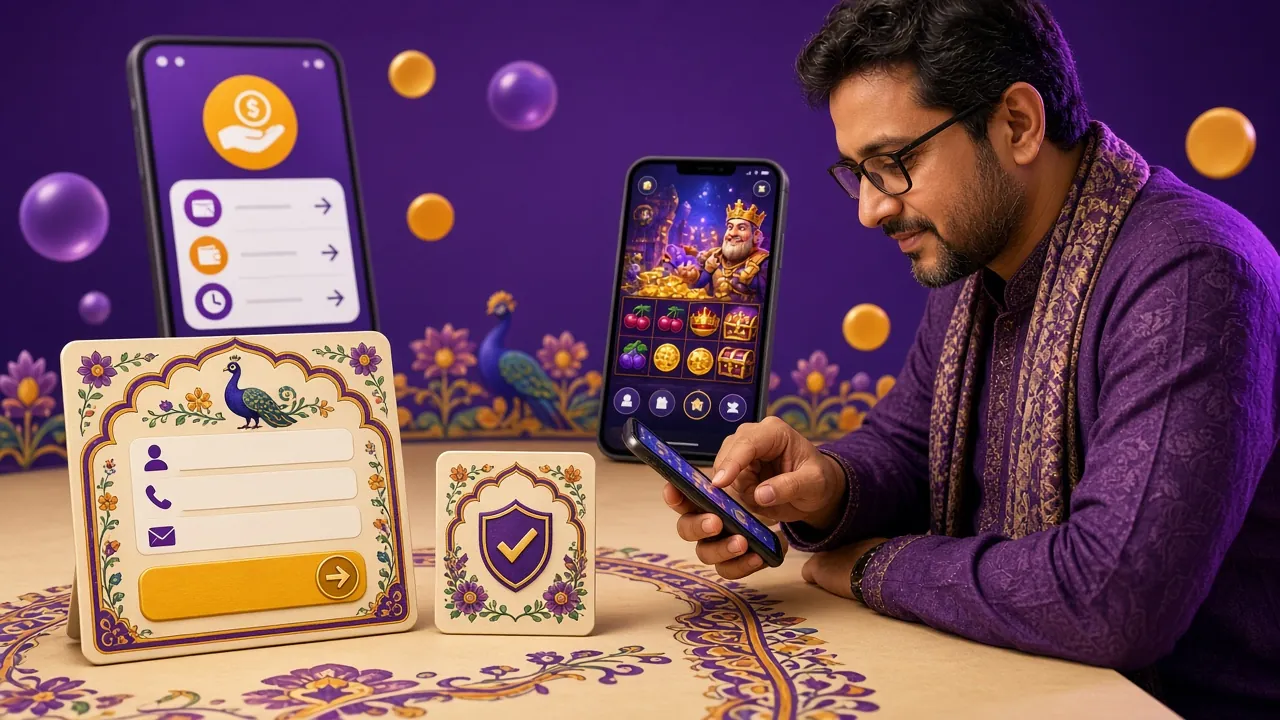
Install the ak44 app on Android and the site you already use opens without a browser tab. The board refreshes while a match is running, crash rounds start in a second, and a bKash deposit lands in the same account you use on desktop.
- 18+ · Play Responsibly
- SSL encryption
- 24/7 live chat
- bKash & Nagad inside
On a computer right now? Scan the QR code in the download section below to open this page on your phone, then install from there.
ak44 app download: the file, the size and the QR route
One file, no store detour. Tap the button, keep the phone awake for a few seconds, then open the download from your notifications.
- 28 MB install, version 3.9.9
- bKash, Nagad, Rocket and bank transfer in the cashier
- The same ak44 account you use on the website
- Live chat reachable from every screen
ak-44.apk
28 MB · Android 6.0 and up · Free
| Detail | Value |
|---|---|
| Version | 3.9.9 |
| File name | ak-44.apk |
| File size | 28 MB |
| Minimum Android version | 6.0 |
| Last updated | 12 November 2026 |
| Price | Free |
| Languages | English, Bangla |
App or browser? How the two compare on a Bangladeshi connection
Most people here play on a phone, so the honest question is not app versus desktop. It is app versus the mobile browser tab you already have open. Here is where the difference actually shows up in daily use.
| What you compare | ak44 app | Mobile browser |
|---|---|---|
| Getting started | One 28 MB file and five taps | Nothing to install, just the address |
| Opening it | Icon on the home screen, straight to the lobby | Type the address or find the bookmark |
| Cricket board | Prices update in place while the over runs | Full page reload between market changes |
| Data use | Loads the board, the cashier and the table you picked | Reloads banners and images on every visit |
| Crash rounds | Cash-out taps register on the phone's clock | Timing depends on the tab staying active |
| Deposits | bKash and Nagad one tap from the lobby | Same cashier, more screens to reach it |
| Live dealer tables | Same Ezugi tables, full screen in landscape | Same tables, browser controls take space |
| Updates | Install a newer APK over the old build | Always the current version |
| Best for | Daily use on your own phone | A quick check on a borrowed phone |
Both routes share one balance and one login. Nothing you do in the app is missing from the browser, and the cashier limits are identical. If you have not created a profile yet, start with registration and install afterwards.
Install the APK on Android in five steps
Android blocks files from outside the Play Store until you allow one source, so the first step matters most. The whole sequence takes under two minutes on 4G.
-
Allow installs from your browser
Open Settings, then Apps, then Special app access, then Install unknown apps. Pick Chrome or whichever browser you download with and switch on Allow from this source. Android 8 and newer keep the switch here; older phones hide it under Settings, then Security.
-
Download the file from this page
Tap Download APK above and let the 28 MB file finish. Keep the screen awake and stay on Wi-Fi if your data pack is tight. The file lands in Downloads as ak-44.apk, and a notification appears when it is complete.
-
Open it and read the warning
Tap the finished download. Android shows a note saying your phone is not allowed to install unknown apps from this source. Tap Settings in that prompt, allow the browser once, then press back to return to the installer screen.
-
Install and wait for the scan
Tap Install. Play Protect may scan the package for a few seconds, which is normal for any file from outside the store. If it offers only a warning, choose Install anyway, but only when the file came from this page.
-
Log in and set up the cashier
Open the ak44 app and sign in with your usual details, or register if you are new. Add bKash or Nagad once in the cashier and every deposit after that is a single tap. The login page covers password resets if you get stuck.
On iPhone? The ak44 app is built for Android. On iOS, open ak-44.click in Safari, tap the share icon, then choose Add to Home Screen. You get an icon that opens the full site full screen, with the same account and cashier, and it takes about fifteen seconds.
Will it run on your phone?
The build is deliberately light. It is made for the mid-range and entry-level Android phones most players here carry, not for flagship hardware.
| Requirement | What you need to know |
|---|---|
| Android version | Android 6.0 or newer. Version 3.9.9 is compiled against that minimum, so anything older will refuse the install. |
| Free storage | 28 MB for the download, plus room for the installed copy and the next update. Clear a few photos if the installer says there is no space. |
| Connection | 3G, 4G or Wi-Fi all work. Live dealer video is the heaviest part of the app; the crash games and the cricket board run on a weak signal. |
| Account | One ak44 account works on the app, the mobile browser and desktop. Never open a second profile for the app. |
| Screen size | The lobby drops to two columns on small screens and stretches to four on a tablet. Landscape gives the dealer tables more room. |
| Language | English and Bangla, switchable inside the app without reinstalling. |
| Build date | 12 November 2026. If the file you have is older, install the current one over it. |
What you can play inside the ak44 app
The lobby carries 1,700 games from FA Chai, Ezugi, CQ9, PG Soft and JDB, plus the cricket and football board. Three of those five providers supply the live dealer floor, so the tables you see in the app are the same ones the desktop site streams.
 Fishing
Star Fishing
Bets from ৳2. The lightest game in the lobby on data.
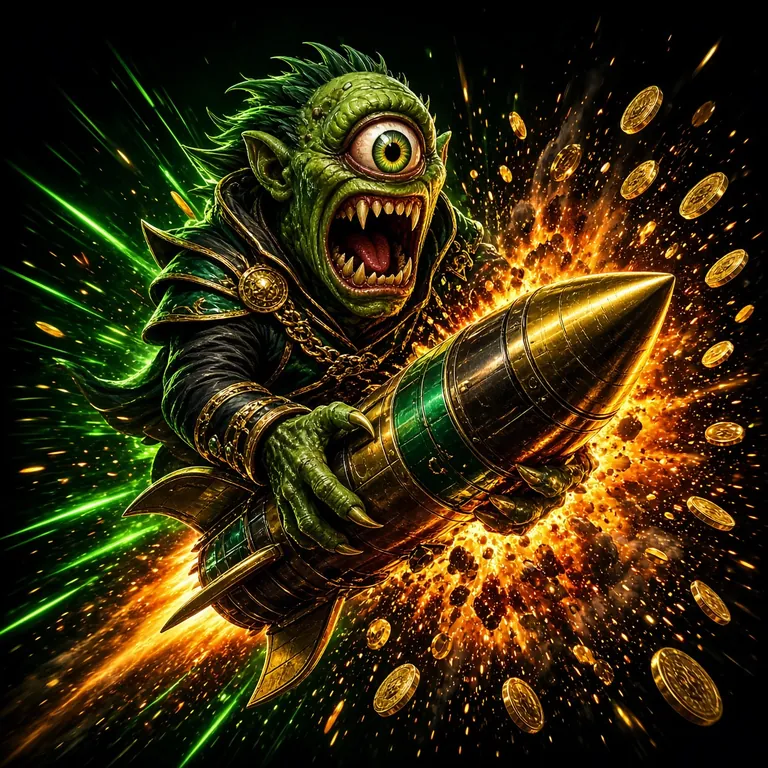 Crash
Monster Crash
Rounds from ৳2. Cash out with one thumb.
Also in the app: slots such as Coin and Crazy 777, Keno Bonus Number for lottery players, Crash Goal for football nights, and European Blackjack on the live floor. The full list sits on the ak44 casino page, and live cricket prices are explained in the IPL betting guide.
Six things the app does that a browser tab does not
Cashier without a redirect
Deposit and withdraw from inside the lobby. bKash and Nagad top-ups usually show in about a minute, and withdrawals leave in roughly three. Bank transfer is there for larger amounts, with the same limits as the website.
A board that keeps up with the over
Session and innings prices change in place while a match is live. No reloading, no losing your place in the market list when you switch between the six and the winner tab.
Crash rounds that start on tap
Monster Crash and Crash Goal open with bets from ৳2. Because the round runs in the app rather than a tab, the cash-out button answers the first press instead of the third.
Live dealer tables on the go
European Blackjack and the rest of the Ezugi floor stream inside the app. Turn the phone sideways and the felt fills the screen, with the bet spots still reachable at the bottom edge.
One login on every device
The app remembers your session on your own phone, while the same account stays open on a laptop at home. Your balance, bonus progress and KYC status follow the account, not the device.
Help without leaving the table
Live chat runs 24/7 from the menu, so a stuck deposit or an unclear wagering figure gets answered while the table is still open. KYC questions before a first withdrawal can be sorted the same way.
Permissions: what the app asks for and why
An APK from outside the Play Store deserves a read before you tap install. These are the four things worth knowing about the file you get from this page.
-
Storage
Used to write the download and later update files. The app does not read your gallery, your photos or your documents, and there is no reason to grant photo access if a prompt ever asks for it.
-
Network access
Required for the lobby, live prices, dealer streams and the cashier. Without it the app opens but nothing loads. Sessions run over SSL, which is why the address bar shows a padlock on the website side.
-
Notifications
Optional. It carries withdrawal confirmations and match reminders. Deny it and every feature still works; you simply check the cashier yourself instead of being told the money has landed.
-
What it never requests
Contacts, SMS, call logs and location are not part of this install. If a file asks for any of them, it did not come from ak-44.click. Delete it, then download again from the button on this page.
Check the build before you install. The current version is 3.9.9 at 28 MB. A file with a different version number that arrived through a forwarded message or a Facebook link is not the official build, and installing it puts your login details in someone else's hands.
When the install fails: five common causes and fixes
| Problem | Likely cause | Fix |
|---|---|---|
| App not installed | A partial download, or an older ak44 build still sitting on the phone with a conflicting signature. | Uninstall the old app, download the 28 MB file again over Wi-Fi, then install the fresh copy. |
| Play Protect blocked the file | Android flags any package that did not come through the Play Store, even a clean one. | Tap More details, then Install anyway. If the same block returns twice, re-download from this page and try once more. |
| The unknown apps switch is greyed out | A work profile, a family link account or a school-managed device is blocking installs from browsers. | Switch to your personal profile, or ask whoever manages the phone to allow installs for that browser. |
| Download finishes but the file will not open | The browser saved it without the .apk extension, so Android no longer sees it as a package. | Open the file manager, go to Downloads, find ak-44.apk and open it with the package installer. |
| App opens, then sits on a blank screen | An out-of-date Android System WebView, or a cache left behind by an older build of the app. | Clear the app cache, update Android System WebView in the Play Store, then reinstall if the screen still stalls. |
Still stuck after all five? Open live chat on the website from the same phone and tell the agent your Android version and the exact message on screen. Nothing else is needed to trace an install failure.
In this section
Questions that come up before people install
Is the ak44 APK safe to install?
Yes, if it came from this page. The file is signed, runs over SSL and asks only for storage, network and optional notifications. Contacts, SMS and location are never requested. A copy that arrived through a forwarded message is a different matter, so always download from ak-44.click and check that the version reads 3.9.9.
Why is the app not on the Play Store?
Google's store policy does not allow real-money betting apps in this region, so the build is distributed as a direct APK instead. That is why Android shows the unknown-source warning the first time. The trade-off is simple: you install a file you have to trust, so take it from the official page only.
How do I update the app when a new version comes out?
Download the new APK from this page and install it over the existing app. Do not uninstall first, or you may lose the session and any saved cashier details. Your balance, bonus progress and KYC status live on the account, not the phone, so they survive the update either way.
What if installation keeps failing?
Work through the four usual suspects in order: free storage, the unknown-source switch, a partial download, and an old build still installed. Delete the existing app, download again on Wi-Fi and install once more. If the package installer still refuses, the phone's Android version is probably below 6.0.
Can I use my existing ak44 login?
Yes. The app uses the same account as the website, so your balance, bonus progress and withdrawal limits carry over with no second sign-up. If you have forgotten the password, reset it on the login page in a browser first, then sign in on the app.
Does it work on an iPhone?
There is no iOS build. On an iPhone, open ak-44.click in Safari, tap the share button and choose Add to Home Screen. The icon opens the full site without browser bars, and the account, cashier and table limits are identical to the Android app.
How much data does it use?
The install itself is 28 MB, which is worth doing on Wi-Fi. After that the app loads the board, the cashier and whichever table you open, without reloading banner images on every visit. Live dealer video is the only heavy part, so use Wi-Fi for those sessions if your pack is small.
Install once, bet from the home screen after that
Twenty-eight megabytes, five taps and one account. Download the ak44 app, add bKash or Nagad in the cashier, and the cricket board stays a thumb away for the rest of the season.